Best Apps for Electricians in 2026: The Complete List
The App Stack That Actually Works
Walk onto any job site and you'll see electricians juggling phones, tablets, notepads, and the occasional crumpled receipt. Some have figured out the apps that make life easier. Most are still searching.
This guide cuts through the noise. No apps that look good in demos but fail on a dusty job site. No subscription traps. Just tools that working electricians actually use—tested by the trade, not by marketing departments.
We've organised these into four categories:
- Invoicing & Estimates - Get paid faster
- Scheduling & CRM - Manage jobs and customers
- Calculations & Reference - Technical tools for the job
- Call Handling - Never miss a lead
If you only improve one thing this year, make it how you handle calls when you're on site—it's the biggest leak for most trades. Then let's get into the full list.
Invoicing & Estimates
Getting paid shouldn't be harder than the job itself. These apps let you quote on site, convert to invoice in seconds, and take payment before you've packed up your tools.
Contractor+

Best for: Solo electricians who want everything in one app
Price: Free tier available, Pro from £15/month
Website: contractorplus.com
Contractor+ has become the go-to app for trades who want simplicity without sacrificing power. Create professional estimates on site with itemised parts and labour, convert them to invoices with a single tap, and take card payments before you've even left the property. The free tier is genuinely usable for most solo operators—you only need Pro if you're handling 50+ jobs a month or need advanced features like team scheduling.
What electricians like:
- Quick estimate builder with parts/labour split
- Photo attachments for before/after documentation
- Digital signatures captured on site
- GPS mileage tracking for tax claims
- Client messaging built into the app
- Works offline when you're in a basement with no signal
What could be better:
- Interface can feel cluttered on smaller phone screens
- Reporting and analytics could be more detailed
- Learning curve for first-time users
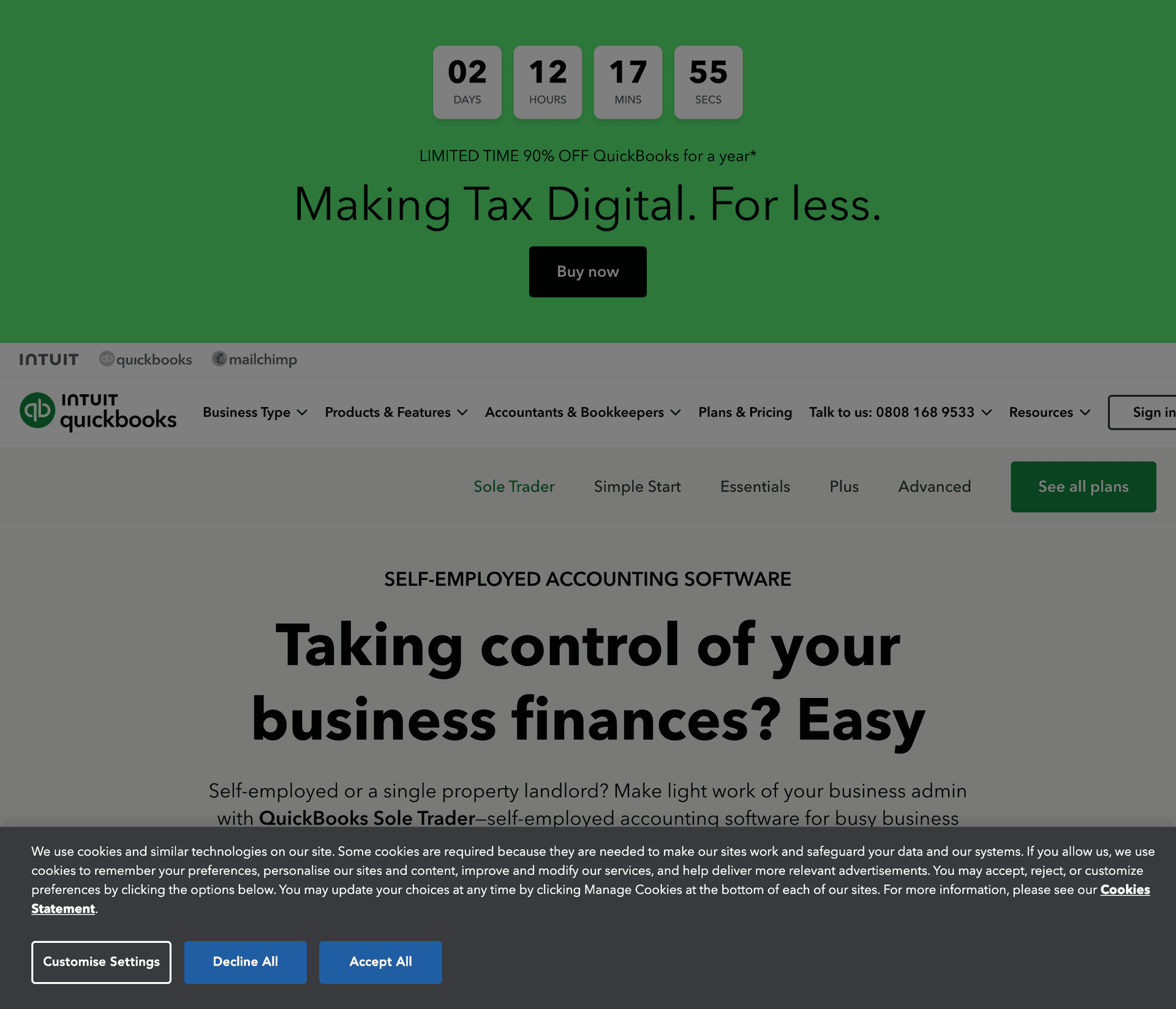
QuickBooks Self-Employed
Best for: Electricians who want bookkeeping and invoicing combined
Price: From £10/month
Website: quickbooks.intuit.com
If you're doing your own books or your accountant uses QuickBooks, this is the natural choice. Every invoice you send flows directly into your accounting records. Snap photos of receipts, track mileage automatically, and see your estimated tax bill in real time. It's particularly useful come January when self-assessment is due—everything's already categorised and ready. The quarterly tax estimates help you avoid nasty surprises.
What electricians like:
- Automatic bank feed integration
- Smart expense categorisation with AI
- Direct accountant access and collaboration
- Solid mobile app with receipt scanning
- Making Tax Digital (MTD) compliant
- Quarterly tax estimates to avoid surprises
What could be better:
- Overkill if you just want basic invoicing
- Can run slowly on older phones
- Monthly cost adds up vs free alternatives
Invoice Ninja
Best for: Electricians who hate subscriptions
Price: Free (self-hosted) or £10/month (cloud)
Website: invoiceninja.com
The only truly free professional invoicing option. If you're technical enough to self-host, you pay nothing. The cloud version is affordable and has no transaction fees.
What electricians like:
- No percentage cut on payments
- Professional templates
- Recurring invoices for maintenance contracts
- Client portal
What could be better:
- Less polished than paid alternatives
- Self-hosting requires technical knowledge
Scheduling & CRM
Once you're busy enough to forget which job you're supposed to be at, you need a system. These apps track customers, schedule jobs, and stop you from double-booking.
Jobber

Best for: Growing electrical businesses (2-10 people)
Price: From £29/month
Website: getjobber.com
Jobber is the industry standard for field service businesses, and for good reason. It handles the entire job lifecycle from first enquiry to final payment: quote creation, scheduling, team dispatch, invoicing, payment collection, and automated review requests. If you've got employees or subcontractors, the dispatch board alone is worth the price. Customers get a portal to see job status, approve quotes, and pay invoices—making you look more professional without extra effort.
What electricians like:
- Intuitive drag-and-drop scheduling calendar
- Route optimisation saves fuel and time
- Client portal for quotes, invoices, and job status
- Automated quote follow-ups and reminders
- Team GPS tracking and time sheets
- Professional branded quotes and invoices
What could be better:
- Gets expensive as you add team members
- More features than solo operators typically need
- Some advanced features locked behind higher tiers
Tradify
Best for: UK-based electricians wanting software built for trades
Price: From £29/month per user
Website: tradifyhq.com
Built in New Zealand but hugely popular in the UK because it genuinely understands how tradespeople work. Unlike generic business software adapted for trades, Tradify was designed from day one for people who spend their days on job sites, not in offices. Digital job sheets replace paper, timesheets are captured automatically, and the quote-to-invoice flow is seamless. The UK version includes proper VAT handling, GBP formatting, and compliance documentation that actually makes sense for British electricians.
What electricians like:
- Purpose-built for trades, not retrofitted generic software
- Excellent offline mode for sites with poor signal
- Compliance documentation and certificates built in
- UK-friendly invoicing with proper VAT handling
- Job photos and notes sync across team
- Xero and QuickBooks integration
What could be better:
- Per-user pricing adds up quickly with employees
- Mobile app can occasionally feel laggy
- Some features require higher-tier plans
Google Calendar + Contacts
Best for: Solo electricians who want free and simple
Price: Free
Website: calendar.google.com
Don't overlook the obvious. Google Calendar for scheduling, Contacts for customer details, Keep for notes. It's not fancy, but it's free, reliable, and syncs everywhere.
What electricians like:
- Zero learning curve
- Works with everything
- Family can see your availability
- Free forever
What could be better:
- No invoicing
- No job costing
- No automation
HouseCall Pro
Best for: Electricians wanting all-in-one software with marketing
Price: From £49/month
Website: housecallpro.com
HouseCall Pro goes well beyond basic job management into proper marketing automation. After every completed job, it automatically asks customers for reviews—and those 5-star Google reviews compound over time into serious lead generation. You get email marketing campaigns, a customer booking portal so clients can schedule themselves, and even physical postcard marketing to past customers. If you're serious about growth and not just survival, the marketing features alone justify the higher price point.
What electricians like:
- Automatic review requests after every job
- Customer self-service booking portal
- Professional dispatch board for teams
- Postcard marketing to past customers
- Built-in financing options for customers
- Strong integration with Google Local Services
What could be better:
- More expensive than simpler alternatives
- Can feel overwhelming when starting out
- US-focused, some features less relevant in UK
Calculations & Reference
Your phone can replace that dog-eared copy of the regs you keep in the van. These apps put cable sizing, voltage drop, and BS 7671 at your fingertips.
Mike Holt's Electrical Toolbox
Best for: US-based electricians (NEC calculations)
Price: £8.99 one-time
Website: mikeholt.com
The gold standard for electrical calculations in the US. Conductor sizing, conduit fill, voltage drop, motor circuits—all NEC-compliant. If you're working to NEC standards, this is essential.
What electricians like:
- Comprehensive calculation set
- Works offline
- Regular updates with code changes
- One-time purchase (no subscription)
What could be better:
- NEC-focused (not ideal for UK/BS 7671)
- Interface looks dated
Electrical Wiring Pro
Best for: UK electricians wanting BS 7671 reference
Platform: iOS, Android
Price: £4.99-£9.99
A UK-focused reference app covering domestic wiring, cable sizing, circuit design, and testing procedures. Includes diagrams for common installations.
What electricians like:
- BS 7671 aligned
- Offline access
- Practical wiring diagrams
- Regular updates for regulation changes
What could be better:
- Not as comprehensive as physical OSG
- Some sections feel basic
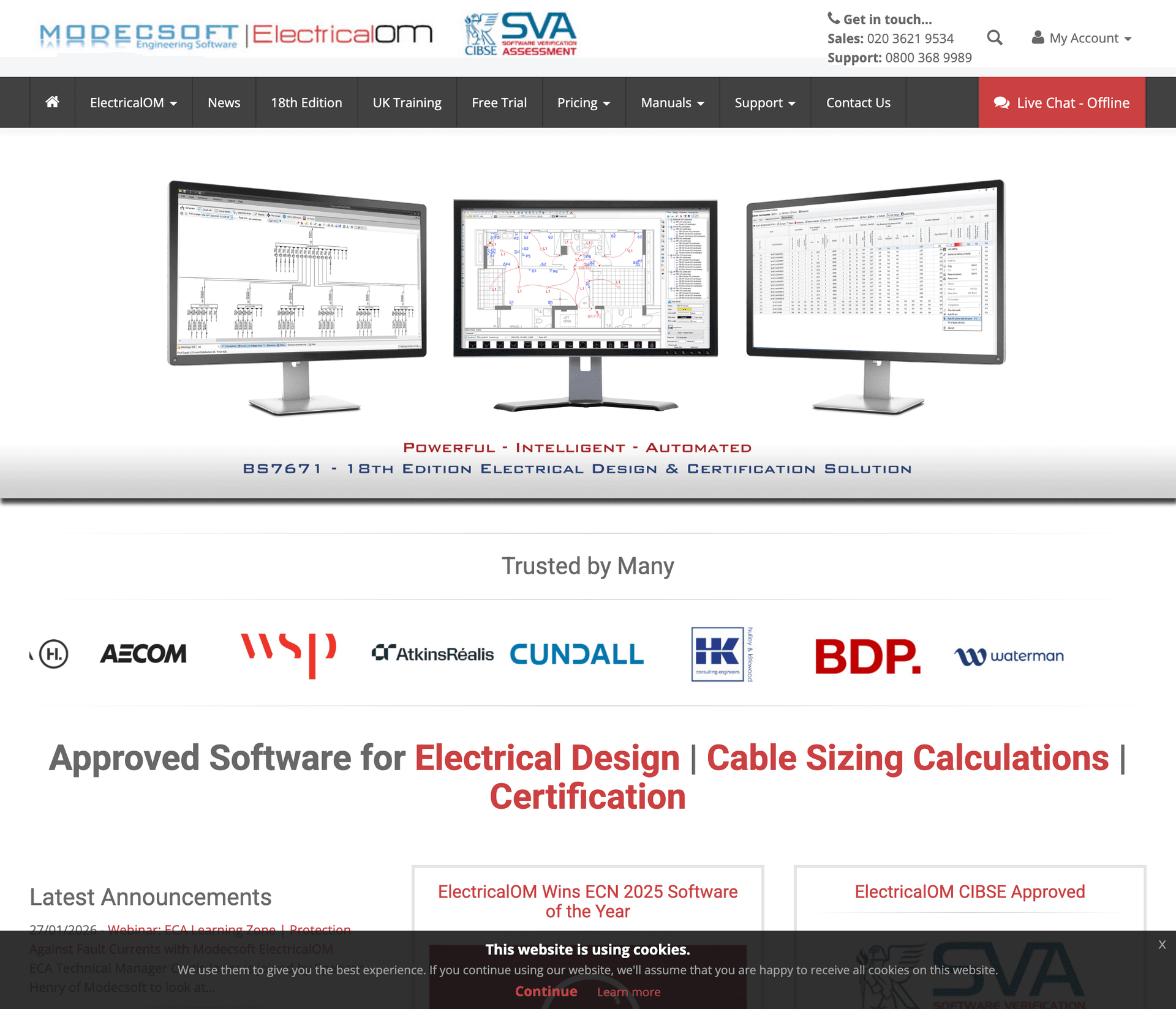
ElectricalOM
Best for: Serious electrical design and calculation work
Platform: Desktop (Windows)
Price: Free tier, Pro from £299/year
Website: electricalom.com
ElectricalOM is more of a professional design tool than a pocket calculator, but if you're doing anything beyond basic domestic work, it's invaluable. Full BS 7671:2018 (18th Edition) compliance with automatic calculations for cable sizing, voltage drop, fault currents, and protective device coordination. The software generates professional reports you can hand to clients, building control, or keep for your own records. CIBSE-approved and used by major engineering firms—this is what the serious commercial contractors use.
What electricians like:
- Complete BS 7671:2018 compliance
- Cable sizing with all correction factors automated
- Professional PDF reports for clients and building control
- Adiabatic and let-through energy calculations
- Distribution board design and scheduling
- CIBSE Software Verification approved
What could be better:
- Desktop only—can't use it on site
- Expensive for electricians doing occasional design work
- Significant learning curve to use effectively
Ideal Electrician's Calculator
Best for: Quick on-site calculations
Platform: iOS, Android
Price: Free with ads, £2.99 to remove
Simple, fast, and works offline. Voltage drop, cable sizing, conduit fill, Ohm's law. Nothing fancy, just the calculations you need when you're standing in a customer's garage.
What electricians like:
- Fast and lightweight
- Works offline
- Simple interface
- Cheap to go ad-free
What could be better:
- Limited to basic calculations
- UK regulations not always current
Call Handling
Here's the brutal truth: the best invoicing app in the world doesn't help if you never got the call. Electricians lose more money to missed calls than to any other single factor. (We wrote a whole guide on this: Phone System for Electricians.)
Think about it. You're up a ladder running cables. Your phone buzzes. You can't answer—you're holding a drill, your hands are full of cable clips, or you're in an attic with no signal. By the time you call back at 5pm, they've already booked someone else.
Research shows 80-85% of callers won't leave a voicemail—they just call the next electrician on Google. That's potentially £312-1,200 per missed call in lost revenue.
The solution? Apps that answer for you.
VoxBot
Best for: Electricians who miss calls while working
Platform: Web (works with any phone)
Price: From £45/month
Website: voxbot.ai
Full disclosure: this is us. But we built VoxBot specifically for trades like electricians who can't answer while working.
Here's how it works: you get a virtual phone number. Calls come in, and if you can't answer, VoxBot does. It understands what the caller needs (emergency callout vs quote request vs existing customer), captures their details, and sends you a notification with everything you need to call back.
For emergencies ("my power's out"), it can forward the call to you immediately with an urgent alert. For quote requests, it captures the job details so you can call back between jobs with full context. (See our detailed guide: How to Never Miss a Customer Call.)
What electricians like:
- Answers 24/7 (including after-hours emergencies)
- Qualifies calls automatically (emergency vs general enquiry)
- Captures job details (type of work, property, timeline)
- Professional greeting—sounds like a receptionist, not a voicemail
What could be better:
- Requires initial setup (15-30 minutes)
- Monthly cost (though one captured job covers months of subscription)
See it in action: Check out our live demos to hear how it handles real calls.
Smith.ai
Best for: Electricians who want human receptionists answering
Platform: Web
Price: From £210/month
Website: smith.ai
If you want real humans answering your calls rather than AI, Smith.ai provides virtual receptionists based in North America who handle calls, schedule appointments, and qualify leads on your behalf. They can follow custom scripts, book directly into your calendar, and even handle basic customer service queries. The personal touch matters to some customers—particularly older clients or those with complex requirements. The trade-off is cost: you're paying 5x or more compared to AI alternatives, and you need to factor in per-call charges on top of the base fee.
What electricians like:
- Real human beings answering your calls
- Appointment scheduling into your calendar
- Bilingual English/Spanish options
- Lead qualification with custom questions
- CRM integration for lead capture
- Outbound calling for follow-ups
What could be better:
- Expensive—5x or more vs AI alternatives
- Limited hours unless you pay for 24/7 coverage
- Receptionists may not understand electrical terminology
- Per-call charges add up quickly during busy periods
Related reading: AI Call Bot vs Human Receptionist: Which Is Right for Your Business?
Ruby
Best for: Professional image with live answering
Platform: Web
Price: From £319/month
Website: ruby.com
Similar to Smith.ai—live receptionists answering your calls. Ruby focuses on customer experience and has a strong reputation. If budget isn't a concern and you want the most personal touch, Ruby delivers.
What electricians like:
- Excellent customer service reputation
- Mobile app for managing calls
- Outbound calling included
- Bilingual receptionists
What could be better:
- Very expensive
- Minimum commitments
- Per-minute pricing can add up
Grasshopper
Best for: Virtual number without answering intelligence
Price: From £22/month
Website: grasshopper.com
Grasshopper gives you a professional business number with call forwarding, voicemail transcription, and basic routing. It doesn't answer calls for you—it just routes them—but it separates personal and business calls.
What electricians like:
- Cheap professional number
- Voicemail transcription
- Multiple extensions
- Call screening
What could be better:
- No answering capability—if you miss it, they get voicemail
- Limited compared to modern alternatives
- Voicemail still means missed opportunities
Related reading: Virtual Phone Number for Small Business: Complete Guide
The Stack We'd Recommend
Starter Stack (Solo Electrician)
If you're just starting out or want a simple setup:
| Need | App | Cost | Link |
|---|---|---|---|
| Invoicing | Contractor+ (Free tier) | £0 | Get it |
| Scheduling | Google Calendar | £0 | Get it |
| Calculations | Ideal Electrician's Calculator | £2.99 once | App Store |
| Call Handling | VoxBot | £45/month | Get started |
Total: £45/month + £2.99 once
Growth Stack (2-10 People)
If you're growing and need more power:
| Need | App | Cost | Link |
|---|---|---|---|
| Invoicing + Scheduling | Jobber | £29/month | Get it |
| Calculations | ElectricalOM | £299/year | Get it |
| Call Handling | VoxBot | £45/month | Get started |
Total: £99/month approx
The One That Matters Most
We've listed 15+ apps here. If you only download one, make it something that catches the calls you're missing.
Here's why: every other app helps you do things better. But call handling is the only one that captures money you're currently losing.
Miss a consumer unit upgrade because you were on site? That's £400 gone. Miss a commercial fit-out enquiry? Could be £10,000+. Miss three calls a week? You're haemorrhaging money.
The maths is simple. One captured job pays for months of any call handling solution. Everything else is optimisation. Call handling is revenue you're currently leaving on the table.
Related Reading
Want to dive deeper into specific topics? Check out these guides:
- Phone System for Electricians - How to set up call handling specifically for electrical work
- How to Never Miss a Customer Call - 7-step framework for 100% call capture
- AI Call Bot vs Human Receptionist - Which is right for your business?
- Virtual Phone Number for Small Business - Complete guide to virtual numbers
- Call Forwarding for Small Business - Set up forwarding on any device
- iPhone Call Forwarding for Business - Step-by-step iPhone setup
What We Missed
Apps change constantly. New tools launch, old ones get bought or shut down, features get added. If there's an app you swear by that we didn't include, we'd genuinely like to know—get in touch and we'll update this list.
Last updated: February 2026
Ready to stop missing calls while you're on the job? Our support team can help you set up call handling that actually works for electricians.
Or try VoxBot yourself: See live demos | Get started
Ready to Never Miss Another Call?
Get your virtual phone number today. Never miss another high-value call.